
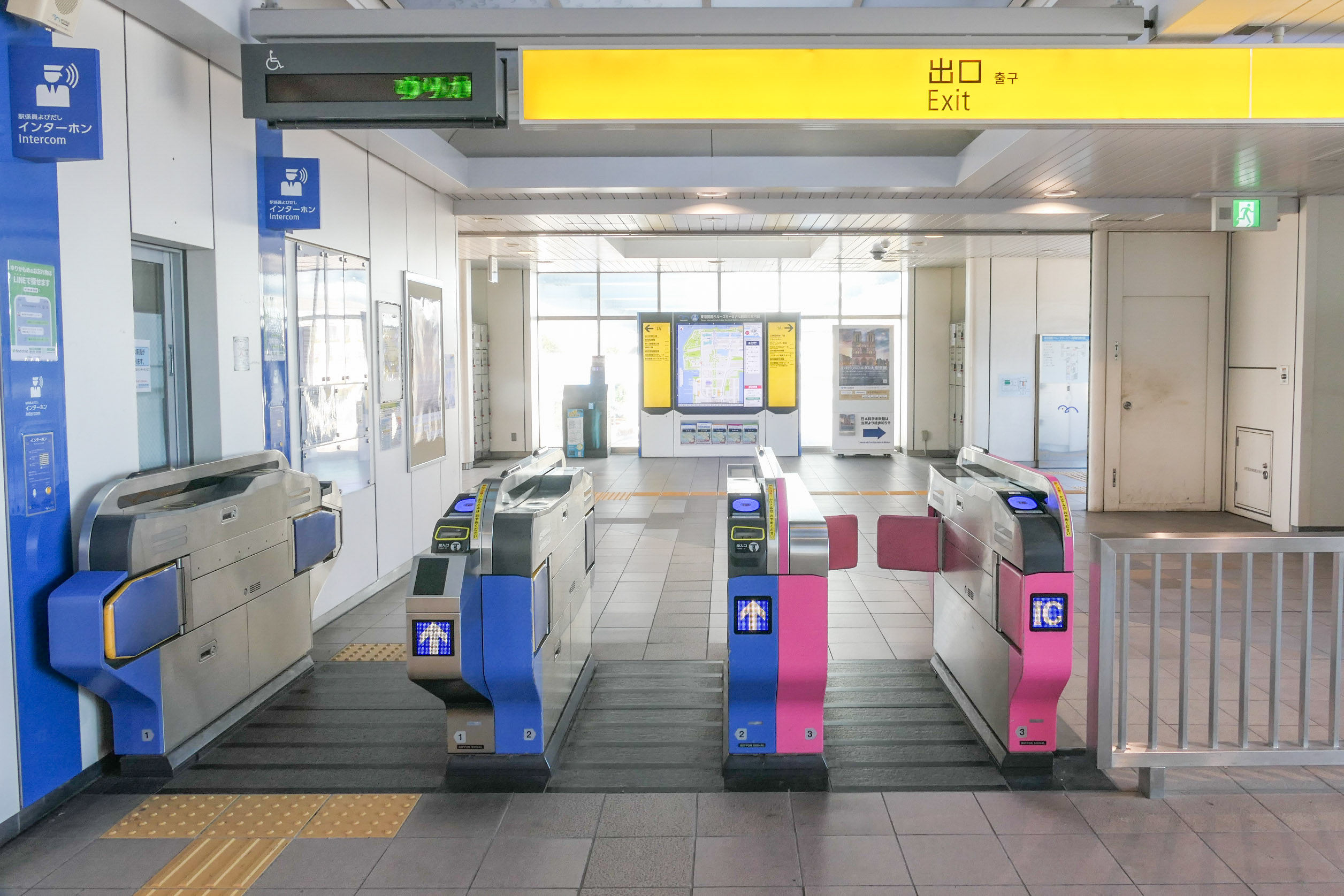
Ticket gates at Tokyo International Cruise Terminal Station, photographed on 2025-01-16. Photo: MaedaAkihiko / Wikimedia Commons, CC0 1.0; cropped, resized and JPEG-compressed. Wikimedia Commons · CC0 1.0
Choose Suica for Tokyo, or ICOCA for Osaka and Kyoto. If you already have either card, you can keep using it on routes in both regions that support nationwide IC card interoperability. Both are prepaid transport cards accepted on supported trains, buses and at shops. For Hong Kong travellers, the main considerations are phone compatibility, whether to keep the card for another trip, and how to handle any remaining balance.
How Do Suica, ICOCA and Welcome Suica Differ?
OptionMain featuresDeposit and remaining balanceStandard physical SuicaAvailable in Tokyo and other Suica areas; useful for future tripsJPY500 deposit; refunds follow the issuing operator’s rulesStandard physical ICOCAAvailable in Kansai and other ICOCA areas; can be topped up repeatedlyJPY500 deposit; refunds handled under the rules within JR West’s ICOCA areaPhysical Welcome SuicaValid for 28 days from purchase, including the purchase dateNo deposit; remaining balances are generally non-refundableWelcome Suica MobileAn iOS app for visitors; valid for 180 days from issuanceNo deposit; the balance is non-refundable and expires with the card
A standard Suica becomes invalid after 10 consecutive years without use. The 180-day limit applies specifically to Welcome Suica Mobile; a standard Suica added directly to Apple Wallet follows the standard card’s rules.
Can a Card Bought in Tokyo Be Used in Osaka?
Suica and ICOCA work within the supported nationwide interoperability network. For example, you can take a Tokyo Suica to Osaka and tap it on transport and at shops that accept it. ICOCA also works on supported routes in Tokyo. Check the IC card logo and coverage: acceptance does not extend to every bus or station in Japan.
You can use the same card for separate local journeys in Tokyo and Osaka. A continuous journey crossing different IC card areas generally requires a separate ticket. For the Tokyo–Osaka Shinkansen, buy a ticket separately or use a supported electronic ticket service to purchase the journey and link your card. Trains requiring a limited-express ticket also need that additional ticket. See JR West’s coverage information.
Options for Hong Kong iPhones, Apple Watches and Android Phones
iPhone / Apple Watch: Standard Suica and ICOCA can be added to Apple Wallet. Common supported options are iPhone 8 or later and Apple Watch Series 3 or later, running the latest software available for the device. You also need an Apple Account with two-factor authentication enabled and a compatible payment card. Suica has additional support conditions for some older models; see Apple’s Hong Kong guidance.
Welcome Suica Mobile: The iPhone requirements are higher: iPhone XR/XS or later with iOS 17.2 or later. The app is for users aged 13 or above, and location services must be enabled to issue or top up a card. Hong Kong is not on the official list of locations where cards can be issued before entering Japan. You can enable location services and complete issuance after arriving in Japan.
Hong Kong Android phones: Mobile Suica and ICOCA require an officially supported model with Osaifu-Keitai support. Check the compatibility list for your exact model. If your phone lacks the required support, use a physical card.
Buying a Card, Adding It to Wallet and Topping Up
Buy physical Suica cards at designated machines or ticket offices within JR East’s Suica area. ICOCA is available from JR West ticket machines and ticket offices. For example, a standard ICOCA purchased for JPY2,000 includes a JPY500 deposit and JPY1,500 in usable balance.
Physical Welcome Suica cards are sold at designated machines at Narita and Haneda airports and selected service centres in Tokyo and other locations, rather than at every station. Keep the reference paper supplied with the card, which shows its expiry date.
To set up a standard mobile Suica or ICOCA:
- Open Apple Wallet, tap “Add”, then “Transit Card”, and choose Suica or ICOCA.
- Add a new card, select the initial top-up amount and confirm with a compatible payment card.
- Set up Express Mode so you can tap the selected device for transport and purchases.
- For later top-ups, select the transport card in Wallet, choose the top-up option, enter the amount and select your payment card.
Each mobile transport card can be on only one device at a time. After transferring a supported physical card to Wallet, the plastic card stops working. Physical cards can be topped up with Japanese yen cash at supported machines; credit card top-ups through Apple Pay use the transport card in your phone’s Wallet.
Your Monthly Rent Could Help Build Travel Miles
Monthly rent can also be part of preparing for your next trip. Pay eligible rent through RentSmart with an applicable mileage-earning credit card, and you may earn travel miles under your card issuer’s reward terms.
Explore RentSmart Rent Payments and Miles
Hong Kong Credit Card Top-ups: What Rewards Can Suica Earn?
As of October 2026, the HSBC Red Credit Card lists Suica as a designated overseas merchant. The designated reward applies only to top-ups made using Apple Pay. Select Suica in Apple Wallet, choose the top-up option and pay with Red. The bank explicitly excludes Mobile Suica, other payment services and station ticket-machine top-ups. ICOCA is not on the list, so Suica’s 8% offer does not extend to it.
The current offer runs from 1 July to 31 December 2026. The first HK$1,250 of eligible designated-merchant spending each calendar month earns 8% RewardCash, including the basic 0.4%, capped at 100 RewardCash per month. All designated merchants share this allowance, calculated by transaction posting date. Further spending in that category earns 0.4%. The 8% reward does not stack with the 4% online-spending reward.
Top-ups in yen also incur a 1.95% foreign currency transaction fee. Assume the full monthly offer allowance is available and an eligible Suica top-up has a converted principal of HK$1,000:
- Reward at 8%: 80 RewardCash, worth HK$80.
- Foreign currency fee: HK$19.50.
- At a value of HK$1 per RewardCash, the difference after the fee is approximately HK$60.50.
This is a reward-value calculation under the stated conditions; the actual converted amount on your statement applies. RewardCash must be used through the bank’s redemption arrangements and is not an automatic cash refund. Once the 8% allowance is used up, the 0.4% reward is lower than the 1.95% foreign currency fee, so top up according to your travel needs.
HSBC’s general RewardCash terms exclude stored-value card and e-wallet top-ups based on merchant classification. Red’s specific Suica offer follows its dedicated promotional terms.
Handling Balances and Refunds Before Going Home
Refund standard Suica cards issued by JR East through JR East. Standard ICOCA refunds are handled within JR West’s ICOCA area. For standard physical Suica and ICOCA cards, the operator generally deducts a JPY220 fee from the remaining balance and returns the JPY500 deposit. If the balance is below JPY220, only the deposit is returned. For example, a card with JPY1,000 remaining gives a total refund of JPY1,280.
Remaining balances on both Welcome Suica versions are generally non-refundable. Top up in stages as needed and use the balance at supported shops before returning home. Mobile card refunds follow the issuing operator’s procedures. ICOCA cannot be refunded directly through Apple Wallet, and a phone cannot be presented at a station for a physical-card refund.
What If Adding a Card, Topping Up or Tapping Through a Gate Fails?
- Adding a card or topping up fails: Check the device, software, Apple Account and payment card requirements. The payment card must be supported. If the system shows maintenance, you can use cash at a supported machine instead. For Welcome Suica Mobile, also check location services and regional restrictions.
- The gate rejects the card: Check the balance and which card you are using. Remove a physical card from its holder to avoid interference from other cards. If you missed a previous exit tap or travelled across IC card areas, ask station staff to resolve the journey record rather than repeatedly tapping.
- A mobile card seems to have disappeared: Check whether it is still in Wallet or has been moved to Apple Watch. Removing a card is not a refund. A transport card removed from a device under the same Apple Account can retain its balance for re-adding to an eligible device later.
Make Everyday Rent Part of Preparing for Your Next Trip
Preparing for Japan can start with your regular monthly expenses. By paying rent by credit card through RentSmart with an applicable mileage-earning credit card, you may earn travel miles on eligible rent payments under your card issuer’s reward terms, gradually building miles for your next trip to Japan.


